Personal project / Luke Johnson
Robot Operator Academy.
Project aims
Personal aims and why
I started Robot Operator Academy to demonstrate how I work as an engineering manager: connecting engineering and learning design with commercial priorities. Getting hands-on with Unity was a way to show that I can work through the technical detail of immersive development as well as shape, own and deliver the project.
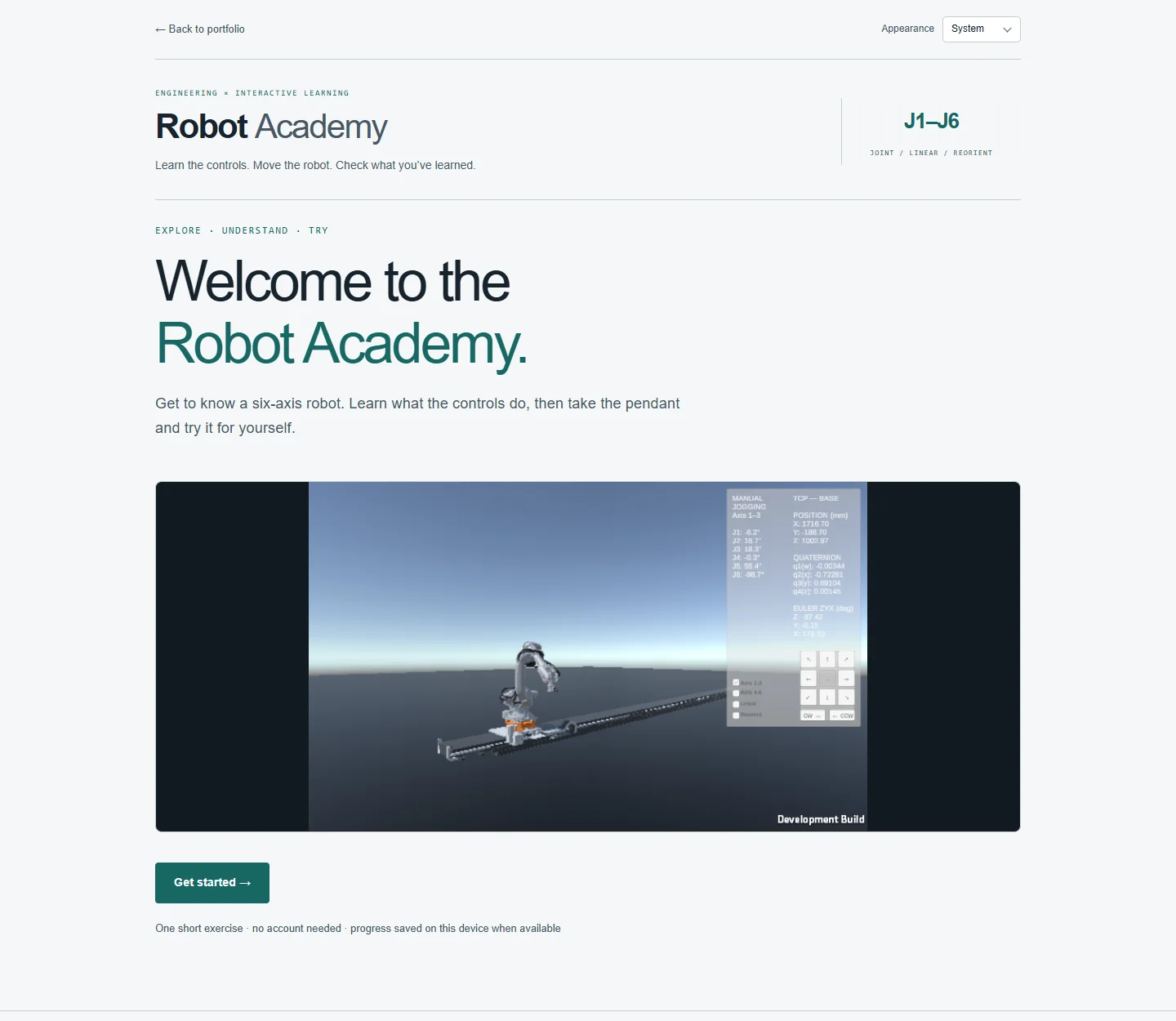
Luke Johnson · screenshot of the live Robot Academy app
Phase 2 — latest build
The live Robot Academy app turns the Unity simulator into a guided lesson. Learners answer two pre-check questions, work through four illustrated lesson pages, practise with the virtual pendant and answer three post-check questions. The app shows the two scores separately so learners can compare what they knew before and after the exercise.
The e-learning wrapper
I built a separate FastAPI and TypeScript app for the lessons, questions, practical instructions and results. Markdown and YAML keep the course editable, and the exercise configuration selects a versioned Unity WebGL export. Learners can resume their lesson on the same device without an account.
What changed in Unity
The integrated build adds a movement tracker and a WebGL bridge to the Phase 1 simulator. The practical guides learners through axes 1–3, axes 4–6, Linear and Reorient. Unity checks that the robot actually moves in both directions for each required axis and reports progress to the wrapper. Once the learner completes all six directions in a stage, the wrapper unlocks the next set of instructions. The same robot session stays open through all four stages, and the post-check opens after all 24 direction checks are complete.
Phase 1 — standalone prototype
Manual jogging and feedback
The standalone prototype extends the Phase 0 feasibility proof into two groups of three axes, with planar and independent twist inputs, six live joint readings, and synchronised keyboard/mouse mode selection. On-screen direction and twist buttons feed the same input bindings as the keyboard.
I separated the robot adapter, jogging logic and presentation, and worked through configured limit clamping, release/focus handling and camera/UI gesture ownership. Consistent controls matter to the learning experience: operating the panel should not unexpectedly move the camera.
Phase 1 remains a functional prototype. Linear and Reorient jogging are implemented using runtime inverse kinematics in Base coordinates; detailed ABB direction/sign equivalence remains unverified. Rail control is outside scope. This is an educational demonstrator without a live hardware connection or certified operator-training claims.
Phase 1 — manual-jogging prototype
Six-axis jogging in two groups, with live joint readings and on-screen direction and twist controls. A functional prototype in progress.
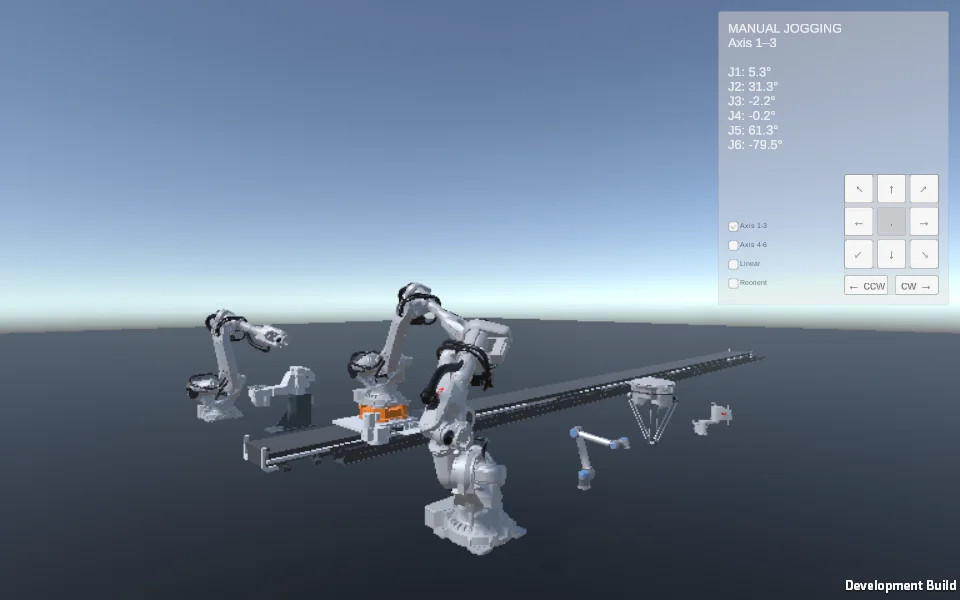
Ready to load on click.
Controls: Use the on-screen mode selector and hold the direction/twist buttons. Keyboard: numpad 2/4/6/8 for directions, 1/3/7/9 for diagonals, divide/multiply for twist, F to cycle modes. WASD walks; click and drag (not on the panel) to look and change direction. Linear translates the TCP; Reorient rotates about Base-aligned axes through the TCP. Cartesian targets may be rejected by the solver.
Robotics foundation: Flange by Preliy. Flange licence.
Phase 0 — research and feasibility
The initial browser proof
Phase 0 is an initial feasibility study to inform the overall development plan. It explores Flange by Preliy, an existing Unity robotics framework with substantial robot-control and kinematics functionality. Its robot sample and simulation will provide the foundation; my work will add the application integration, input handling, jogging controls, interface and learning design.
Industrial manuals and practical teaching resources are invaluable starting points for this kind of content, in personal and professional projects alike. They help connect an interface to the equipment and operating concepts it represents. Two particularly useful references are Aleksandar Haber’s FlexPendant jogging tutorial and Digital Design and Fabrication’s illustrated robotics hardware and jogging guide. The latter brings together pendant screenshots, joystick controls and axis-group explanations. Alongside manufacturer documentation, these resources helped inform the practical’s direction.
Phase 0 tested whether Flange could support a Unity 6 browser experience. The proof rendered the robot and accepted application-authored Q/E commands to jog its first joint. Resolving controller selection and a Web build dependency issue established the route from input, through C#, to visible movement, supporting the decision to continue with Flange.
Phase 0 — feasibility proof
The initial browser proof, connecting application-authored keyboard input to movement of the robot’s first joint.
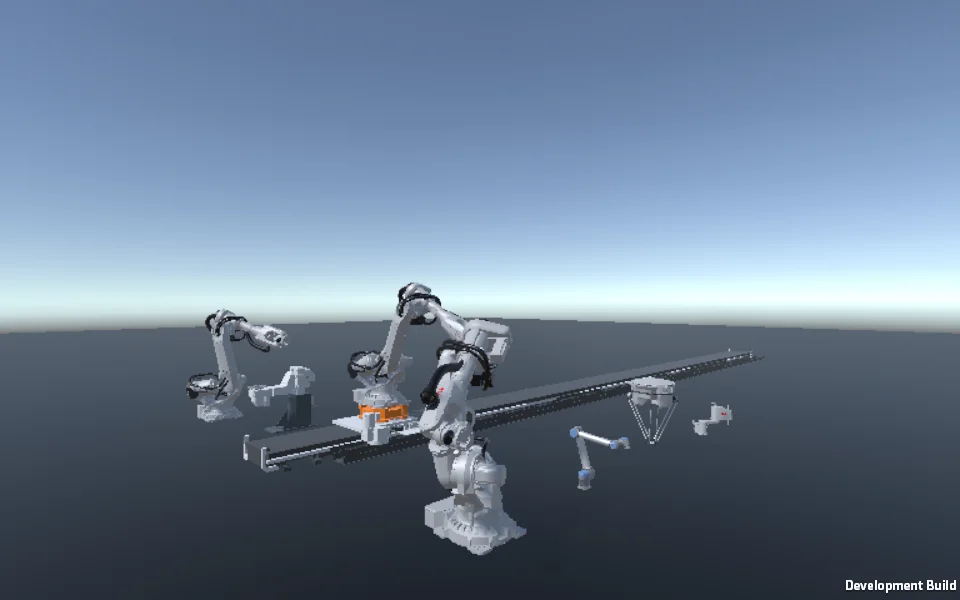
Ready to load on click.
Controls: Click inside the scene. Q/E jog joint 1; WASD moves around the scene; hold and drag the mouse to look.
Robotics foundation: Flange by Preliy. Flange licence.
Further context
Technical references and related project information.